
Last Updated: November 21, 2026
Quick Summary
Remote work compliance means keeping a distributed workforce aligned with employment law, data protection obligations, and security controls when employees work outside a controlled office. The biggest exposures are multi-state payroll and wage rules, cross-border data transfer, and access controls on unmanaged devices.
- Obligations attach to where the employee physically works, not where your office sits.
- Register as an employer, withhold state and local taxes, and confirm workers’ comp coverage per state.
- A no-overtime-without-approval policy does not defeat a claim for hours actually worked.
- Enforce MFA, enroll every device in management, and remove standing admin rights.
- Test one full restore and one incident drill within 90 days.
Table of Contents
- Why Remote Work Compliance Risk Is Different From Office Risk
- Employment Law, Wage and Hour, and Payroll Obligations Across State Lines
- Data Security, Privacy, and Cross-Border Transfer Exposure
- Running a Remote Work Risk Assessment Before You Expand Headcount
- Remote Employee Access Controls: Identity, Devices, and Least Privilege
- What a Remote Work Security Policy Should Actually Contain
- Your Remote Work Compliance Checklist for the Next 90 Days
- Where to Start Hardening Your Remote Environment
- Frequently Asked Questions
Why Remote Work Compliance Risk Is Different From Office Risk
Remote work compliance is the practice of keeping a distributed workforce aligned with employment law, data protection obligations, and security controls when employees operate outside a controlled office.
In an office, compliance is largely environmental: badge access, a locked server closet, a managed switch, and a receptionist who recognizes faces do quiet work.
The compliance areas most affected by distributed teams are employment law and payroll, data privacy and transfer, identity and access management, endpoint security, and recordkeeping.
Employment Law, Wage and Hour, and Payroll Obligations Across State Lines
The first compliance question most SMBs hit is not technical: does hiring someone in another state create obligations you have not registered for? Almost always yes, and the obligations attach to where the employee physically performs the work, not where your office sits.
Treating a remote hire like any other hire works until payroll, workers’ compensation, leave requirements, and tax withholding all key off the employee’s physical work location.
The obligations that travel with the employee
When an employee works from another state, a cluster of rules follows them. These are the ones that trip up SMBs first:
- Payroll registration and withholding. You generally need to register with the state revenue department and, where required, local taxing authorities, then withhold that state’s income tax and apply its unemployment insurance contributions. Reciprocal agreements between some neighboring states can simplify withholding for commuters, but they do not eliminate registration.
- Workers’ compensation coverage. Most states require coverage for anyone regularly working there, and a policy written for your home state may not extend. Some states allow a remote employee to be covered under the home-state policy if certain conditions are met; others do not.
- State leave and paid sick time. Several states and a growing number of cities mandate paid sick leave, family leave, or both, with accrual rules and notice requirements that differ from your home state.
Non-exempt remote employees are the sharp edge
If a non-exempt employee logs hours from a home office, you need a defensible timekeeping record and a written policy on off-hours work. A common mistake is assuming a salaried employee is automatically exempt; the Fair Labor Standards Act exemption tests are specific about salary level and duties, and state tests can be stricter (Fact Sheet #17A: Exemption for Executive, Administrative, Professional, Computer &…).
Watch out: a policy that says ‘no overtime without approval’ does not by itself defeat a claim for hours actually worked. The control is a timekeeping system that captures actual hours plus a written expectation that off-hours work requires prior approval and is compensated when performed.
Worker classification and contractor exposure
A contractor on a personal laptop with client access is a data protection exposure whether or not they are on payroll, and misclassifying an employee as a contractor creates payroll tax and benefits liability on top. Classification tests differ by agency and state, and a worker who looks like a contractor on paper can still be an employee under the applicable test.
A jurisdiction-by-jurisdiction checklist
This matrix turns the multi-state warning into a per-employee review you can complete before the first out-of-state start date.
| Question | What to confirm | Typical owner |
|---|---|---|
| Where does the employee physically work? | Primary work location and any regular secondary location | HR |
| Are we registered as an employer there? | State revenue registration, local tax registration where required | Finance / Counsel |
| Is withholding set up correctly? | State income tax, local tax, unemployment insurance | Payroll |
| Is workers’ comp coverage in place? | Policy extends to that state, or a separate policy is bound | HR / Insurance |
| Which leave laws apply? | State and local paid sick, family, and medical leave | HR |
| Which wage and hour rules apply? | Minimum wage, overtime, breaks, pay statements | HR / Payroll |
| Is the worker correctly classified? | Employee vs. contractor under the applicable test | Counsel |
| Is there a written remote work agreement? | Work location, hours, equipment, expense, and timekeeping terms | HR / Counsel |
This is not legal advice. Confirm your obligations with counsel or a payroll specialist before the first out-of-state start date, not after the first quarter closes. The checklist above is the agenda for that conversation.
Data Security, Privacy, and Cross-Border Transfer Exposure
Data security and data privacy are where remote work compliance gets genuinely technical. The legal obligation is to protect personal information and sensitive data. The mechanism is access control, encryption, and monitoring. But the obligation does not end at prevention, and that is where most remote work guides stop short.
The privacy layer
State privacy laws have multiplied, each with its own definitions of personal information, consumer rights, and breach notification expectations. Our session on navigating the patchwork of state privacy laws covers how those regimes differ.
Cross-border data transfer adds a second dimension. Because data can cross borders through the devices employees use, organizations should secure remote work devices and align access controls with the jurisdictions where staff are working.
Watch out: the most common failure here is not a sophisticated attack. It is an employee syncing a client folder to a personal cloud account so they can work from a tablet.
Incident response for a distributed team
Prevention gets the attention, but a distributed workforce changes how an incident unfolds. The employee who notices something is at home, on a network you do not manage, possibly on a personal device, possibly at an hour when no one is in the office. If the response plan assumes someone can walk to a desk and unplug a cable, it does not fit the environment.
A workable remote incident response workflow has four stages:
- Detection and reporting. One named channel for reporting, available from any device, with an explicit no-blame expectation. A remote employee who fears being blamed for a click will wait, and delay is the costliest variable in a breach.
- Containment. The ability to revoke sessions, disable an account, and isolate a device remotely. Conditional access and device management make this a console action rather than a site visit.
- Evidence preservation. Before anyone wipes or rebuilds a device, capture logs, sign-in records, and device state. Notification obligations may depend on what you can show about what was accessed.
- Notification decision. Breach notification timelines are short and vary by regime. HIPAA, state breach laws, and contractual clauses each carry their own clock and definition of a reportable incident. The decision needs a named owner and a documented process.
Breach notification is a clock, not a conversation
The practical risk for a distributed team is that the notification clock starts before anyone realizes it has. A lost laptop, a phished credential, or a misdirected email can each trigger a notification obligation, and the analysis of whether data was actually accessed takes time you may not have. Write the decision framework down before the incident, with counsel and cyber insurance involved in drafting it.
Third-party, contractor, and bring-your-own-device risk
The exposure does not stop at employees. A contractor on a personal laptop with client access, a vendor with a standing connection into your systems, and an employee using a personal phone for work email all extend your data protection obligations beyond the payroll. Apply the same controls to everyone with access:
- Access scoped to the work. Contractors get access to the systems they need for the engagement, not a standing account that outlives it.
- Device conditions. If a personal device can reach company data, it should meet a minimum bar: encryption, screen lock, patching, and the ability to wipe company data remotely without touching personal data.
- Vendor review. Know which third parties can reach your data, what they are contractually required to do if something goes wrong, and when the relationship was last reviewed.
Compliance ownership and measurable controls
A policy nobody measures is a document, not a control. The gap most SMBs leave open is ownership: no one is accountable for whether the controls actually work. Assign a named owner for each obligation area, set an audit cadence, and track a small set of metrics: training completion, access-review coverage, MFA enrollment, patch compliance, and time from incident report to containment.
Running a Remote Work Risk Assessment Before You Expand Headcount
A remote work risk assessment is a structured review of where data lives, who can reach it, and what happens when a device is lost. Run it before you add headcount, not after.
Start with four questions:
- Which systems hold regulated or sensitive data, and can they be reached from an unmanaged device?
- Which employees have administrative rights they do not need?
- What is your detection time if a credential is compromised?
- Can you produce an audit trail of who accessed what, and when?
A practical walkthrough of how to conduct one across cloud, onsite, and remote systems is available in our guide on how to conduct a network security risk assessment.
Remote Employee Access Controls: Identity, Devices, and Least Privilege
Remote employee access controls are the technical backbone of every compliance obligation above. If you cannot prove who accessed what, you cannot demonstrate compliance to anyone.
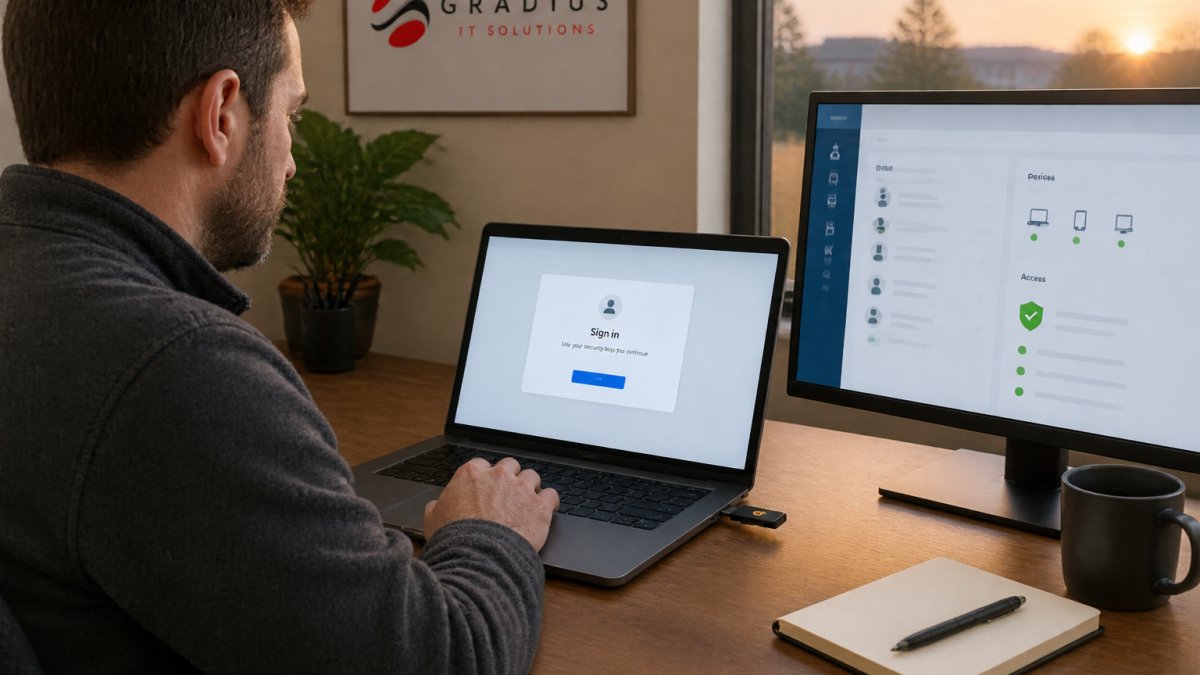
Identity is the first layer.
Devices are the second layer. Endpoint security, device management enrollment, full-disk encryption, and patching belong on every laptop, including the one the owner uses.
Least privilege deserves its own sentence. Our reference on Active Directory security practices for Windows admins covers managed service accounts, admin workstations, and practical steps for reducing standing privilege.
What a Remote Work Security Policy Should Actually Contain
A remote work security policy is a short, enforceable document that tells employees what is expected of them and tells you what you will verify. Length is not the goal. Specificity is.
Include these sections:
- Approved devices and software. What may connect, what may be installed, and who approves exceptions.
- Access rules. MFA requirements, password standards, and how access is requested and revoked.
- Data handling. Where company data may be stored, and an explicit prohibition on personal cloud accounts and personal email.
If you want a starting structure, our company data protection policy examples for access, security and reviews lays out access, retention, incident response, and review procedures in a format employees can actually follow.
Your Remote Work Compliance Checklist for the Next 90 Days
Here is the sequence we would run, mapped to the obligation each step supports.
| Timeframe | Action | Compliance Area | Owner |
|---|---|---|---|
| Days 1-15 | Inventory remote employees by work location | Employment law, payroll, tax | HR / Finance |
| Days 1-15 | Confirm state registration and withholding | Wage and hour, payroll obligations | Finance / Counsel |
| Days 16-30 | Enforce MFA on all remote accounts | Data security, access controls | IT |
| Days 16-30 | Enroll every device in management | Endpoint security, recordkeeping | IT |
| Days 31-60 | Remove standing admin rights | Least privilege, audit trail | IT |
| Days 31-60 | Publish and collect acknowledgment of the policy | Employee training, policy updates | HR / IT |
| Days 61-90 | Test one full restore and one incident drill | Breach notification, continuity | IT |
| Days 61-90 | Define KPIs: detection time, patch compliance, MFA coverage | Continuous monitoring | IT / Leadership |
Two gap areas most SMBs skip: third-party and contractor risk, and measurable compliance ownership. A contractor on a personal laptop with client access is a data protection exposure whether or not they are on payroll. And a policy nobody measures is a document, not a control.
Where to Start Hardening Your Remote Environment
Start with identity, then devices, then policy.
If you are unsure where you stand, our free cybersecurity checklist and assessment covers the controls that stop most attacks and shows you where the gaps are.
At Gradius IT Solutions, we help organizations that do not have the internal bandwidth to chase this work.
Remote work compliance risk is manageable when you treat it as a configuration problem with a legal consequence, rather than a legal problem you hope IT solves.
Get started with Gradius IT Solutions and turn your remote work policy into controls you can actually demonstrate.
Frequently Asked Questions
What are the biggest remote work compliance risks for a small business?
The largest exposures usually sit in four places: employment law obligations that change when you hire in another state, wage and hour and timekeeping accuracy for non-exempt staff, data privacy and protection duties when sensitive information leaves the office, and endpoint and identity security gaps on home networks. Most small businesses handle each of these in a different tool or spreadsheet, which is why the gaps stay invisible until an audit, a claim, or a security incident surfaces them.
How often should a business review its remote work security controls?
Review the full remote work security policy at least annually, and re-check the technical controls quarterly. Anything that changes faster needs a trigger-based review: a new state registration, a new hire in a different jurisdiction, a new cloud app holding regulated data, or a vendor breach notice. Pair each review with evidence you can produce later, such as a current access review export, MFA enforcement report, and patch compliance summary. Controls nobody can document are hard to defend.
What should a remote work risk assessment cover first?
Start with what data remote staff can reach and from where. Inventory the systems holding regulated or sensitive information, map which roles touch them, and confirm how identity is verified for each. Then look at the device: is it company-managed, encrypted, patched, and running endpoint protection? After that, review the human layer, including training records and the process for reporting a lost device. A remote work risk assessment that skips the data map tends to produce policies that do not match how people actually work.
Do remote employee access controls need to differ by role?
Yes. A blanket policy gives a bookkeeper the same reach as a receptionist, which is exactly the exposure least-privilege design is meant to prevent. Segment by data sensitivity: finance and clinical roles get stricter session and device requirements, contractors get time-bound accounts with no standing access to shared drives, and everyone gets multifactor authentication. Review entitlements quarterly and remove access the day someone changes roles or leaves, not at the next cleanup cycle.
